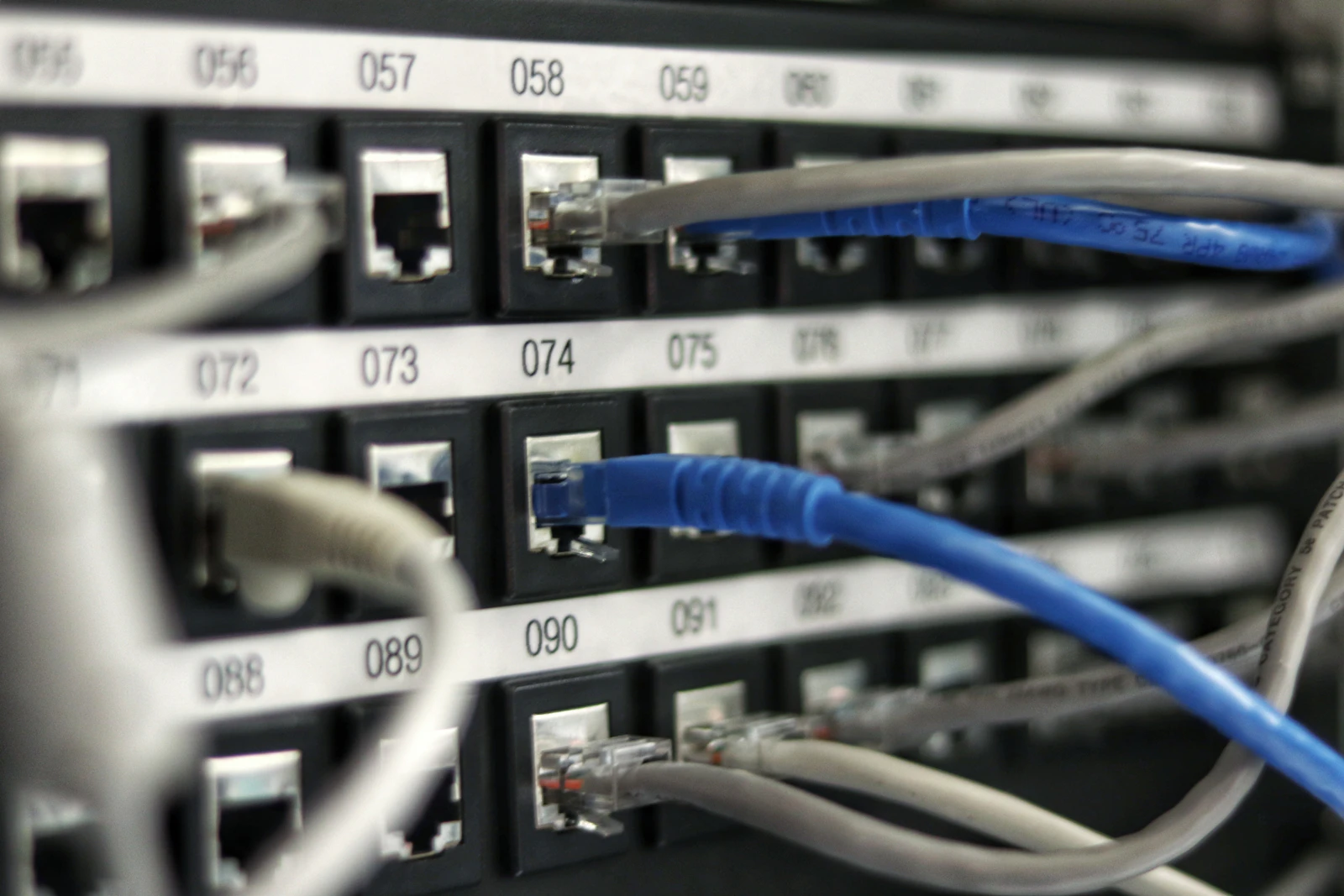
When software engineers discuss "the cloud," the terminology often obscures reality. The internet is neither celestial nor ethereal. It is an unapologetically physical artifact composed of hundreds of thousands of miles of armored fiber optic cables resting on the abyssal plains of the ocean floor, subterranean conduits buried under municipal sidewalks, concrete colocation facilities consuming megawatts of electrical power, and specialized silicon switching chips executing routing algorithms at the nanosecond scale.
Every message you send, video stream you buffer, and database transaction you commit across continents must obey the fundamental laws of electromagnetic wave propagation. Light in an optical fiber travels at approximately 200,000 kilometers per second—roughly two-thirds the speed of light in a vacuum due to the refractive index of fused silica glass. That immutable physical constraint means that latency is never zero, packet loss is an inescapable mathematical inevitability, and every network protocol ever designed is an exercise in managing uncertainty across noisy physical channels.
To understand how software systems reliably exchange information, we must start from the physical ground up. In this guide, we will trace the journey of data from raw photons traversing transoceanic glass to the state machines of the transport layer and the application requests processed by web servers.
1. The Physical Substrate: Cables, Repeaters, and Photons
More than 99 percent of all transcontinental internet traffic travels through undersea telecommunication cables rather than satellites. While geostationary and low-earth-orbit satellite constellations provide crucial connectivity for remote regions and maritime vessels, their aggregate bandwidth represents a minuscule trickle compared to the petabit-per-second capacities carried by modern submarine fiber lines such as MAREA, Dunant, and Grace Hopper.
A submarine fiber cable is roughly the diameter of a garden hose. At its center lies a cluster of optical fibers—each scarcely thicker than a human strand of hair. These fibers are surrounded by layers of petroleum jelly for water resistance, copper tubing to conduct thousands of volts of direct electrical current, high-tensile steel wire strands for structural tension, and an exterior jacket of high-density polyethylene.

As light pulses travel through hundreds of kilometers of glass, they inevitably suffer from attenuation (loss of signal intensity due to Rayleigh scattering and absorption) and chromatic dispersion (spreading of the light wave). To counter this, optical repeaters containing erbium-doped fiber amplifiers (EDFAs) are spliced into the cable every 60 to 100 kilometers along the ocean floor. These amplifiers use high-power pump lasers to excite erbium ions, optically amplifying the incoming data signal without ever needing to convert the photons into electrical electrons and back again.
At each end of the submarine link, Dense Wavelength Division Multiplexing (DWDM) equipment splits the optical spectrum into dozens of discrete wavelengths (colors of infrared light). A single strand of fiber can simultaneously carry over a hundred distinct wavelengths, with each wavelength modulating data at 400 to 800 gigabits per second using sophisticated modulation schemes like 16-QAM (Quadrature Amplitude Modulation).
2. Autonomous Systems and Border Gateway Protocol (BGP)
The internet is not a single centrally managed network. There is no master switchboard, no global supervisor, and no unified server overseeing traffic allocation. Instead, the internet is an interconnected mesh of more than 100,000 independent networks known as Autonomous Systems (AS).
An Autonomous System is a collection of IP routing prefixes operated under a unified administrative domain and technical policy—typically belonging to a national telecommunications provider (Tier 1 ISP), a cloud conglomerate (such as Google AS15169 or Amazon AS16509), an academic institution, or a large regional enterprise.
Autonomous Systems connect in two primary economic relationships:
1. Transit (Customer-Provider): A smaller network pays a larger upstream carrier for access to the global routing table.
2. Peering (Settlement-Free): Two networks agree to exchange traffic between their respective customer bases at no charge, usually by interconnecting their routers inside a shared physical facility known as an Internet Exchange Point (IXP).
The protocol that binds these disparate Autonomous Systems together is the Border Gateway Protocol (BGP), specifically BGP version 4. BGP is an exterior gateway path-vector protocol. Unlike internal routing protocols like OSPF or IS-IS—which calculate the mathematically shortest path based on link speeds—BGP makes routing decisions based on network policies, contractual peering agreements, and an ordered list of Autonomous Systems that a packet must traverse (the AS-PATH attribute).
Every border router running BGP maintains a global routing table containing over 950,000 IPv4 prefix routes. When a network in Tokyo wishes to send data to a server in Frankfurt, border routers examine their BGP routing information bases (RIBs) to identify which neighboring AS offers the most viable path. Because BGP was designed in the late 1980s under an assumption of mutual trust, it possesses well-documented security vulnerabilities such as BGP route hijacking, where a misconfigured or malicious router accidentally advertises ownership of an IP prefix belonging to someone else, redirecting global traffic into a black hole or surveillance tap.
3. IP Addressing and Subnetting: The Global Coordinate System
For any packet to reach its destination, every connected interface must possess a unique identifier. This is the role of the Internet Protocol (IP) address.
IPv4 addresses are 32-bit unsigned integers, universally rendered in dot-decimal notation as four octets (e.g., 198.51.100.1), yielding a theoretical maximum address space of 4,294,967,296 addresses. Due to historical allocation practices, the global IPv4 pool was formally exhausted at the IANA level in 2011. The global internet survived this exhaustion through two primary techniques:
- Network Address Translation (NAT): Enabling thousands of private client devices inside a local network (using RFC 1918 private ranges such as
192.168.0.0/16or10.0.0.0/8) to share a single public IPv4 address by multiplexing TCP/UDP port numbers. - IPv6 Adoption: A 128-bit address architecture providing approximately 3.4 × 1038 unique addresses—enough to assign millions of addresses to every grain of sand on Earth. IPv6 addresses are written as eight groups of four hexadecimal digits separated by colons (e.g.,
2001:0db8:85a3:0000:0000:8a2e:0370:7334).
| Address Family | Bit Length | Theoretical Pool | Header Overhead | Key Feature |
|---|---|---|---|---|
| IPv4 | 32 bits | ~4.29 billion | 20 to 60 bytes | Ubiquitous; relies heavily on stateful NAT44. |
| IPv6 | 128 bits | 3.4 × 1038 | 40 bytes (fixed) | Stateless autoconfiguration (SLAAC); no NAT required. |
IP addresses are not distributed randomly. They are partitioned hierarchically using Classless Inter-Domain Routing (CIDR). A CIDR prefix consists of an IP address followed by a slash and a bit length (e.g., 203.0.113.0/24). The number following the slash denotes the subnet mask: the number of leading bits that designate the network identifier, leaving the remaining bits to identify individual hosts.
4. Packets, Frames, and Layer 2 Switching
Information does not travel through wires as a continuous analog fluid. It is chopped up into discrete envelopes of data known as packets at Layer 3 (the Network Layer) and encapsulated inside frames at Layer 2 (the Data Link Layer).

When your operating system's network stack prepares to send a byte stream, the IP layer attaches an IP header containing:
- Source IP address and Destination IP address.
- Time-to-Live (TTL): A hop counter initialized to a value like 64 or 128. Every router that forwards the packet decrements the TTL by 1. If TTL hits zero, the packet is discarded and an ICMP Time Exceeded message is returned, preventing orphaned packets from looping infinitely through routing loops.
- Protocol identifier (e.g., 6 for TCP, 17 for UDP).
- Total packet length and fragmentation offset flags.
Before this IP packet can be transmitted over a local Ethernet cable or Wi-Fi radio, it must be encapsulated into a Layer 2 Ethernet Frame. An Ethernet frame requires physical MAC (Media Access Control) addresses—hardcoded 48-bit hardware addresses (such as 52:54:00:12:34:56).
To discover the MAC address of the local default gateway router corresponding to an IP address, the sending host uses the Address Resolution Protocol (ARP) in IPv4, or Neighbor Discovery Protocol (NDP) via ICMPv6. The host broadcasts an ARP request across the local broadcast domain: "Who has IP 192.168.1.1? Tell 192.168.1.45." The gateway router hears the broadcast and replies with its hardware MAC address. The host caches this mapping in its ARP table, stamps the destination MAC address onto the frame header, and clocks the bits out through the physical network interface card (NIC).
5. The Transport Layer: TCP, UDP, and Flow Reliability
The Internet Protocol provides what computer scientists define as a best-effort, connectionless packet delivery service. IP does not guarantee that packets will arrive in chronological order, does not guarantee they will not be duplicated, and provides zero guarantee that they will arrive at all. If a physical switch buffer overflows during a traffic spike, packets are silently dropped on the floor.
Providing order, reliability, and application multiplexing out of this chaotic substrate is the duty of the Transport Layer (Layer 4). This layer introduces the concept of ports (16-bit integers from 1 to 65535), enabling an operating system to direct packets to the correct application process (e.g., port 443 for HTTPS, port 53 for DNS, port 22 for SSH).
Transmission Control Protocol (TCP): The Guaranteed Stream
TCP (RFC 793 and its modern extensions) transforms unreliable packet chaos into an ordered, bidirectional, byte-oriented stream. It achieves this through several interlocking mechanisms:
The Three-Way Handshake: Before any application data can travel, client and server must synchronize sequence numbers:
Client                          Server
  |                               |
  |-------- SYN (Seq=1000) ------>|   (Client requests connection)
  |<-- SYN-ACK (Seq=5000,Ack=1001)|   (Server acknowledges and sends its own sequence)
  |-------- ACK (Seq=1001,Ack=5001)--> (Connection ESTABLISHED)
  |                               |
Sequence and Acknowledgment Numbers: Every single byte transmitted is assigned an incremental 32-bit sequence number. When the receiving host gets packets 1, 2, and 4, it holds packet 4 in its reassembly queue and acknowledges only up to packet 2. The sender notes the missing packet 3, triggers a retransmission timeout or fast-retransmit, and resends the missing segment.
Congestion Control & Sliding Windows: If all clients transmitted packets at full line speed, core routers would crash under catastrophic buffer overflow. TCP uses dynamic congestion control algorithms—historically TCP Reno and Cubic, and increasingly Google’s model-based BBR (Bottleneck Bandwidth and RTT)—to continually probe the network's capacity. By adjusting its congestion window (cwnd), TCP scales back transmission when packet loss or round-trip time spikes, maintaining network stability.
User Datagram Protocol (UDP): The Lightweight Fire-and-Forget
In contrast to TCP, UDP (RFC 768) provides no handshakes, no acknowledgments, no retransmissions, and no congestion control. It simply wraps the payload in an 8-byte header containing source port, destination port, length, and a basic checksum.
UDP is ideal for latency-sensitive applications where a late packet is useless (such as live video streaming, voice over IP, or online gaming), and for simple request-response exchanges like classic DNS lookups. Furthermore, modern web protocols like HTTP/3 have abandoned TCP entirely, implementing the QUIC protocol on top of UDP in userspace to eliminate head-of-line blocking and achieve single-round-trip encryption handshakes.
6. Domain Name Resolution: The Internet's Phonebook
Humans memorize memorable alphanumeric strings like rootnode.dev; routers only understand binary IP addresses like 198.51.100.42 or 2606:4700::6811:d209. The bridge between these paradigms is the Domain Name System (DNS).

DNS is a hierarchical, distributed database. When your computer resolves a domain, the query climbs a tree:
- Local Resolver Cache & OS Stub: The browser first checks its own cache, then queries the operating system’s resolver cache, and checks the local
/etc/hostsfile. - Recursive Resolver: If uncached, the query is dispatched to a recursive DNS resolver (operated by your ISP, or public resolvers like Cloudflare
1.1.1.1or Google8.8.8.8). - Root Name Servers: The recursive resolver contacts one of the 13 logical root server identities (named
a.root-servers.netthroughm.root-servers.net, distributed across thousands of physical Anycast servers worldwide). The root server answers: "I do not know rootnode.dev, but here are the authoritative name servers for the .dev Top-Level Domain (TLD)." - TLD Name Servers: The resolver queries the .dev registry servers, which return the Authoritative Name Servers designated by the domain owner.
- Authoritative Name Server: The authoritative server returns the actual resource record (e.g., an
Arecord with the IPv4 address, or anAAAArecord with the IPv6 address) along with a Time-to-Live (TTL) specifying how many seconds downstream resolvers are permitted to cache the response.
7. TLS 1.3: Cryptographic Privacy on an Insecure Wire
Because internet packets traverse dozens of intermediate switches and border routers owned by disparate third parties, sending plaintext data invites eavesdropping and tampering. Transport Layer Security (TLS), currently in version 1.3 (RFC 8446), secures TCP connections through authenticated encryption.
In TLS 1.3, the cryptographic negotiation has been streamlined down to a single round-trip time (1-RTT):
- ClientHello: The browser sends a list of supported cipher suites along with a speculative Diffie-Hellman public key share (e.g., using Curve25519).
- ServerHello: The server selects a cipher suite, accepts the key share, transmits its own public key share, and attaches its digital X.509 certificate.
- Key Derivation: Both client and server independently compute the shared secret using Elliptic-Curve Diffie-Hellman (ECDHE). No eavesdropper on the wire can compute this secret. All subsequent handshake messages and application data are encrypted using symmetric ciphers like AES-256-GCM or ChaCha20-Poly1305.
- Certificate Verification: The client verifies that the server’s certificate was signed by a trusted Certificate Authority (CA) whose root certificate resides in the operating system's local trust store.
8. The Anatomy of an End-to-End Web Request
Let us synthesize these layers into a single chronological timeline. You sit at a workstation in Seattle, open your browser, type https://example.com/index.html, and press Enter. What happens within the next 120 milliseconds?
- Input Parsing: The browser detects the
https://scheme and isolates the hostnameexample.com. - DNS Resolution: The OS stub resolver sends a UDP datagram to port 53. Within 15ms, it receives an A record:
93.184.216.34. - ARP Table Query: The OS checks its routing table, determines that
93.184.216.34is outside the local subnet (192.168.1.0/24), and looks up the MAC address of the default gateway router (e.g.,192.168.1.1). - TCP Handshake: The NIC emits an Ethernet frame containing an IPv4 packet encapsulating a TCP SYN segment. It crosses the local Wi-Fi link, enters the fiber modem, traverses the ISP access network, and reaches the origin server across regional BGP paths. The server responds with SYN-ACK; the client replies with ACK. (1 RTT elapsed, ~40ms).
- TLS 1.3 Handshake: ClientHello and ServerHello are exchanged. Keys are derived. The certificate chain is validated. (1 RTT elapsed, ~80ms).
- HTTP Request: The browser transmits an encrypted HTTP/2 GET request:
GET /index.html HTTP/2 Host: example.com User-Agent: Mozilla/5.0 ... Accept: text/html,application/xhtml+xml - Server Processing: The web server (e.g., Nginx, Caddy, or an edge CDN node) accepts the socket buffer, decodes the HTTP/2 frame, maps the path to a static file or dynamic application worker, and responds with an HTTP 200 OK header followed by the HTML payload.
- Browser Ingestion: The client TCP stack acknowledges the incoming data segments, hands the decrypted byte stream to the browser rendering engine, and the HTML parser begins constructing the Document Object Model (DOM).
9. Practical Network Diagnostics: The Engineer's Toolkit
As a developer or system operator, diagnosing network failure requires looking beyond the browser’s error page. Operating systems provide standard diagnostic tools to inspect each layer of the network stack:
`ping`: Verifying Reachability and Latency
ping uses ICMP (Internet Control Message Protocol) Echo Request (Type 8) and Echo Reply (Type 0) packets to test round-trip reachability and calculate packet loss percentage:
$ ping -c 4 1.1.1.1
PING 1.1.1.1 (1.1.1.1) 56(84) bytes of data.
64 bytes from 1.1.1.1: icmp_seq=1 ttl=58 time=12.4 ms
64 bytes from 1.1.1.1: icmp_seq=2 ttl=58 time=11.8 ms
64 bytes from 1.1.1.1: icmp_seq=3 ttl=58 time=12.1 ms
64 bytes from 1.1.1.1: icmp_seq=4 ttl=58 time=11.9 ms

--- 1.1.1.1 ping statistics ---
4 packets transmitted, 4 received, 0% packet loss, time 3004ms
rtt min/avg/max/mdev = 11.842/12.068/12.410/0.219 ms
`traceroute` and `mtr`: Mapping the Hop Path
How do you find out which intermediate router is dropping packets between you and a datacenter in London? traceroute exploits the IP Time-to-Live (TTL) field. It sends packets with TTL=1, which forces the very first router to drop the packet and return an ICMP Time Exceeded message, revealing its IP. Next, it sends TTL=2, discovering the second router, and continues incrementing until it reaches the final destination:
$ traceroute -n 93.184.216.34
traceroute to 93.184.216.34 (93.184.216.34), 30 hops max, 60 byte packets
 1  192.168.1.1       1.214 ms   1.180 ms   1.152 ms
 2  10.240.0.1        8.412 ms   8.390 ms   8.361 ms
 3  172.16.42.1       10.120 ms  10.091 ms  10.055 ms
 4  62.115.120.14     14.215 ms  14.180 ms  14.150 ms (Tier 1 Telia/Arelion)
 5  93.184.216.34     18.420 ms  18.395 ms  18.350 ms
`dig`: Interrogating DNS Records
The dig (Domain Information Groper) utility queries DNS name servers directly, exposing raw query headers, authority sections, and TTL counts:
$ dig example.com A +noall +answer
example.com.        86400   IN      A       93.184.216.34
10. Common Network Pathologies and Edge Cases
Real networks rarely perform under idealized laboratory conditions. When building resilient web applications, keep these common network failures in mind:
- Bufferbloat: When intermediate consumer routers or ISP modems contain excessively large packet buffers. Instead of dropping packets early so TCP can throttle down, the buffers fill up with hundreds of milliseconds of queued packets, causing latency to skyrocket from 15ms to over 800ms during uploads.
- MTU Black Holes: The Maximum Transmission Unit (MTU) on standard Ethernet is 1500 bytes. If a packet exceeds the MTU of an intermediate tunnel link (e.g., a VPN or GRE tunnel with 1420 bytes MTU) and has the "Don't Fragment" (DF) bit set, the router drops it and sends an ICMP "Fragmentation Needed" message. If a firewall blocks those ICMP messages, the client hangs indefinitely waiting for a response that will never arrive.
- Asymmetric Routing: Packets traveling from Host A to Host B may take a completely different physical path through different Autonomous Systems than the return packets traveling from Host B to Host A, complicating firewall state tracking.
11. Frequently Asked Questions
What is the physical difference between bandwidth and latency?
Why does DNS use UDP instead of TCP?
What is Anycast routing?
Can the internet ever "run out" of bandwidth?
Conclusion: The Architecture of Resilience
The internet’s endurance is rooted in its design philosophy: the end-to-end principle. The core network does not know or care what applications are running on top of it. Core routers simply inspect the destination IP address and forward packets as quickly and reliably as possible. All intelligence—error correction, cryptographic handshakes, stream reassembly, and application logic—is maintained exclusively at the endpoints (your computer and the remote server).
Understanding this separation of concerns is what distinguishes an average software developer from an exceptional systems engineer. The next time you open a terminal, push a git commit, or fetch an API endpoint, remember the transatlantic conduits, the BGP path updates, the nanosecond-level packet queues, and the photons traveling through glass that make that single line of code possible.

